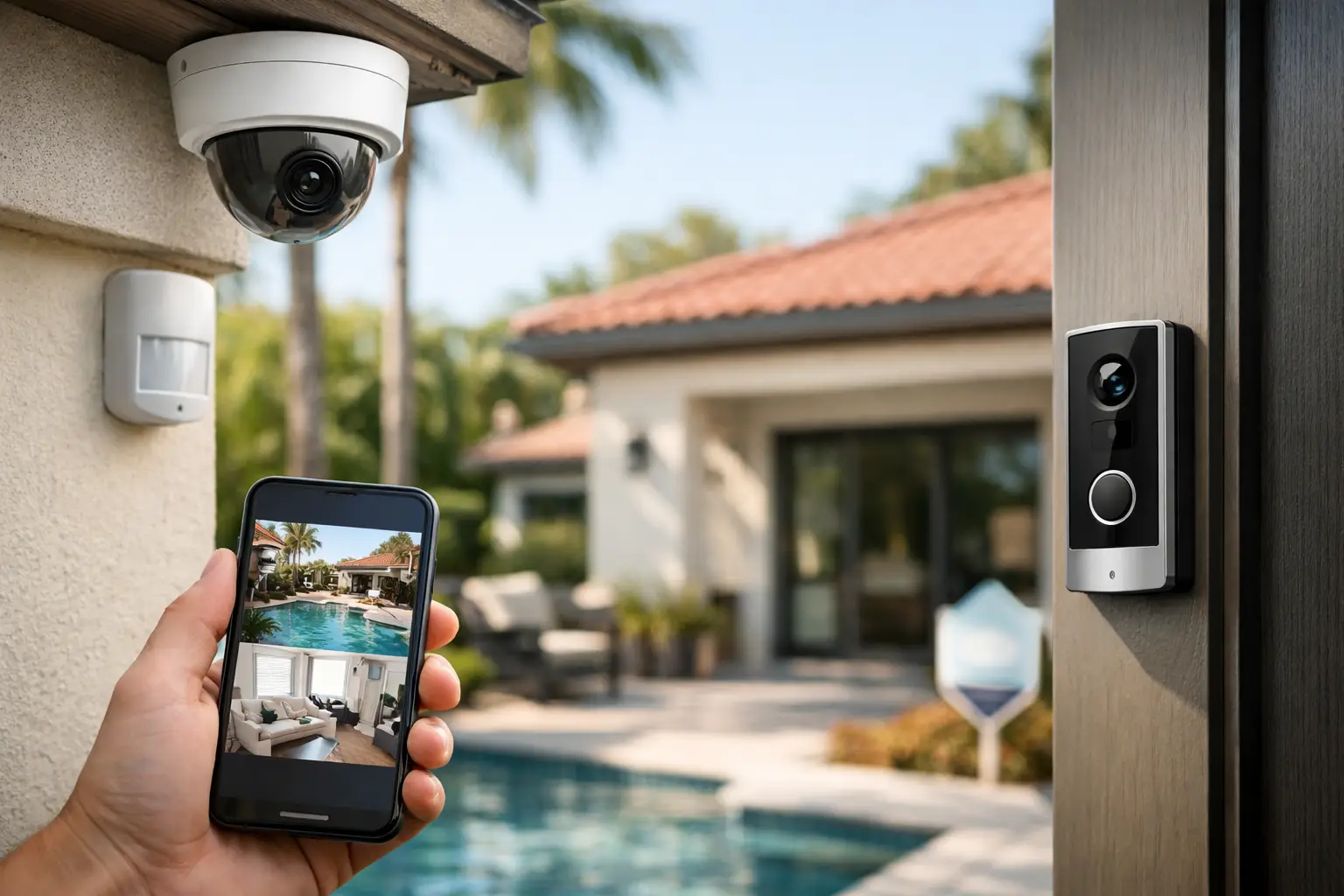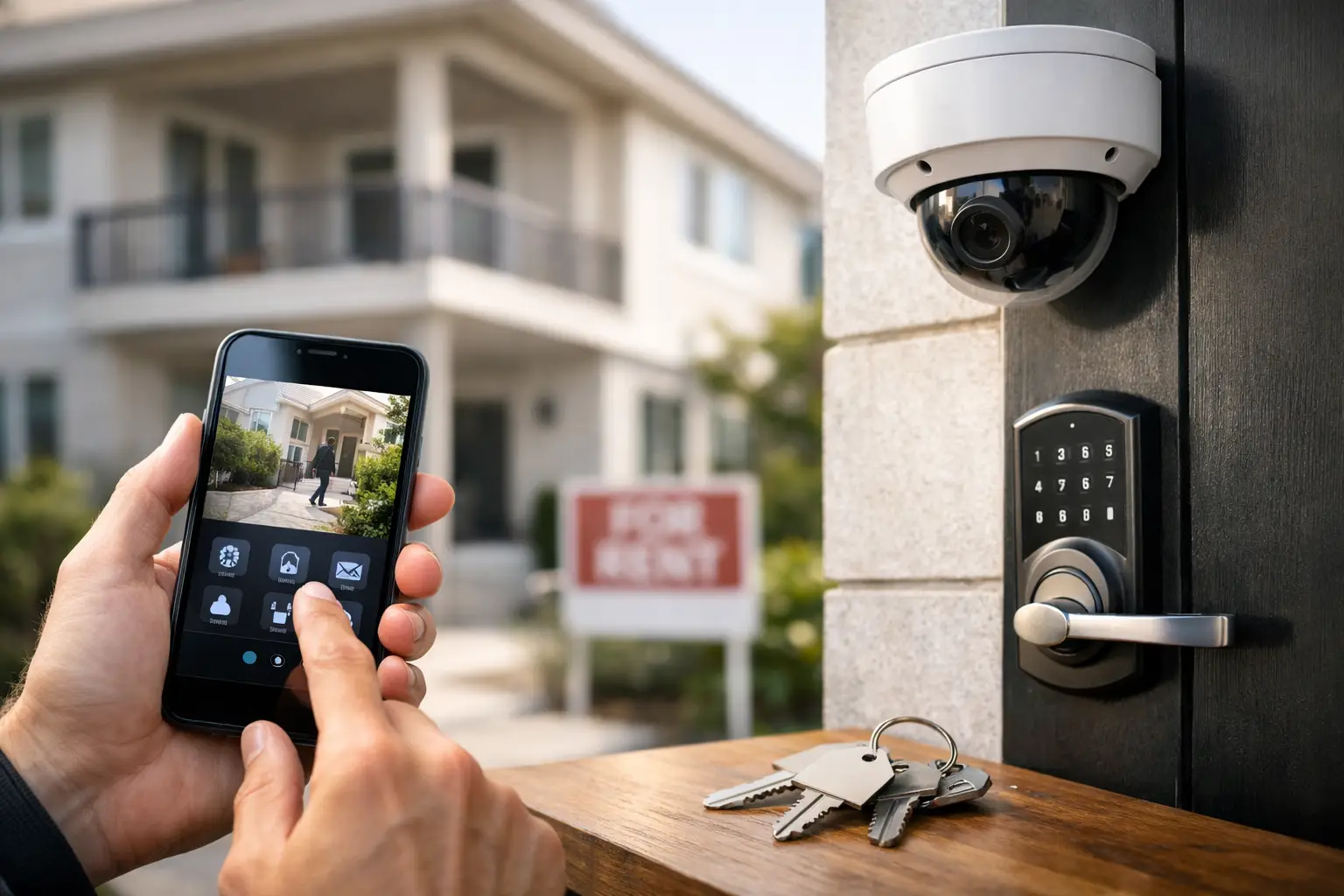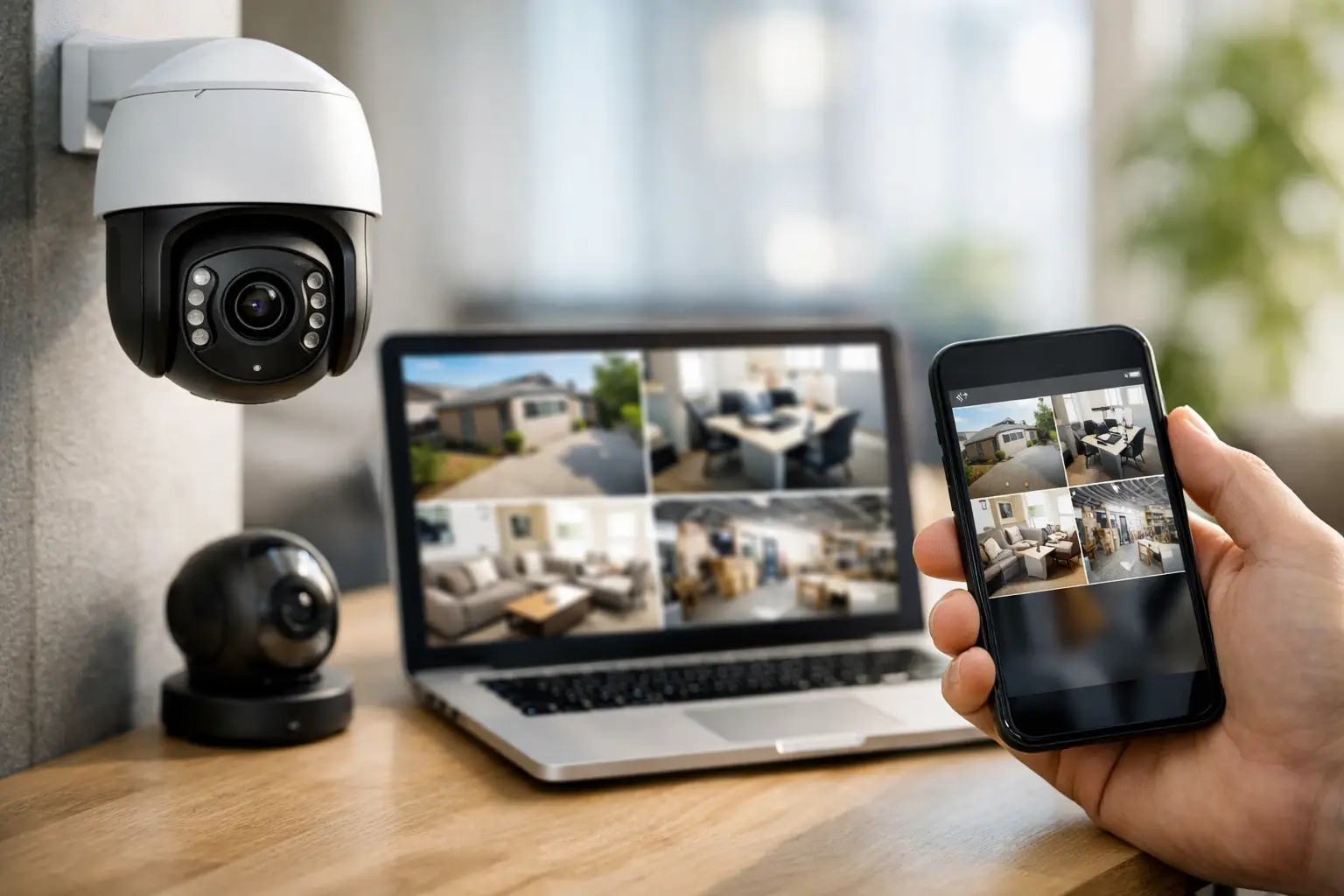

A delivery arrives while you are at work. An employee opens the shop early. Your child gets home before you do. These are everyday moments when remote access security cameras turn uncertainty into a clear view of what is happening at your property. From a phone, tablet, or computer, you can check live video, review an event, and make a better decision without having to be there.
For homeowners and business owners across Florida and Georgia, that visibility matters. A camera system is not only about recording a crime after the fact. When designed correctly, it helps discourage unwanted activity, supports faster action during an alarm event, and gives you a practical way to keep an eye on the people and places that matter most.
What Remote Access Security Cameras Let You Do
Remote camera access means your surveillance system is connected to a secure app or web platform. After professional setup, authorized users can view camera feeds from nearly anywhere they have an internet connection. That can be useful when you are traveling, managing multiple properties, or simply away from home for the afternoon.
The real benefit is context. An alarm notification tells you that a protected door, window, or motion detector has been triggered. A camera can help show what caused it. You may see a delivery driver at the front entrance, a family member arriving home, or activity that needs immediate attention. Video does not replace an alarm system or professional monitoring, but it adds valuable information when seconds matter.
Many systems also allow event clips or recorded footage to be reviewed later. For a business, that can help address questions about deliveries, customer traffic, opening and closing procedures, or access to restricted areas. For a home, it can provide a record of activity near entry points, garages, driveways, and outdoor spaces.
Where Cameras Deliver the Most Value
Camera placement should follow the risks of the property, not a generic package. A camera aimed at the wrong angle can miss the very area it was meant to protect. Before selecting equipment, consider where someone could approach, enter, remove property, or create a safety concern.
For homes, front doors, driveways, side gates, back doors, and garages are common priorities. A video doorbell may be a good fit for packages and visitors, while wider exterior cameras can cover vehicles and yard access. Indoor cameras can be useful in selected areas, especially when checking on pets, children arriving home, or an older relative. They should be placed thoughtfully, with privacy and household comfort in mind.
Commercial properties often need a broader plan. Entrances, cash-handling areas, stockrooms, loading zones, employee-only doors, parking areas, and equipment yards may each require different coverage. A restaurant may focus on registers, rear doors, and food-delivery access. A contractor may need clear views of gates, tools, and material storage. An office may prioritize the lobby, access points, and sensitive records areas.
The goal is not to put cameras everywhere. It is to cover the locations that provide the clearest evidence, the strongest deterrent, and the best awareness of what is happening on site.
Live Video Is Helpful, but It Is Not a Response Plan
It is easy to assume that watching a camera feed equals full protection. It does not. If you see suspicious activity while you are away, you still need to decide what to do next. Confronting someone through a speaker or rushing back to the property can create unnecessary risk.
A stronger approach combines cameras with professionally monitored intrusion detection. If an alarm is triggered, a monitoring center can follow the established response process, contact you, and request dispatch from the appropriate authorities when warranted. Video can help you assess the situation, while professional monitoring means an alarm event is not depending solely on whether you happen to notice a phone alert.
This distinction is particularly important at night, during travel, or when you are busy with work and family. Notifications are useful, but they can be missed. A monitored system provides another layer of protection when you cannot immediately check your screen.
Choosing the Right Remote Access Camera Features
The best system depends on your property, internet connection, coverage needs, and budget. High-resolution video can make details easier to identify, but more resolution may also require additional bandwidth and storage. The right balance is usually better than buying the highest specification available.
Night vision is a practical priority for most properties. Many incidents happen after dark, so exterior cameras need to capture useful images in low light rather than only provide a vague outline. Motion-based recording and smart alerts can also reduce the time spent searching through hours of video, although settings need to be adjusted carefully. Too much sensitivity can result in repeated alerts from passing cars, rain, animals, or moving trees.
Two-way audio can be helpful at a front door or gate, allowing you to speak with a visitor without opening the door. It should be treated as a convenience and deterrent feature, not a reason to engage with a person who appears threatening. In that situation, stay safe, avoid confrontation, and contact the proper authorities.
Storage is another decision that deserves attention. Cloud storage can make clips accessible remotely and may protect footage if a camera is damaged or stolen. Local recording can offer longer retention or reduce recurring storage costs. Some properties benefit from a combination of both. A security professional can help determine how long footage should be retained and which recording method fits your needs.
Secure Access Matters as Much as Camera Coverage
A remote camera is connected technology, which means account security matters. Use a unique, strong password for your camera app and enable multi-factor authentication when available. Do not share account access casually, and remove former employees, tenants, contractors, or household members who no longer need it.
Your home or business network also plays a role. Keep the router and camera equipment updated, use a secure Wi-Fi password, and avoid leaving default device credentials in place. Professional installation helps ensure cameras, recording equipment, and remote access are configured correctly from the start.
For businesses, decide who truly needs access. An owner or manager may need full system control, while other staff members may only need permission to view a specific area. Limiting access helps protect employee privacy and reduces the chance of an account being misused.
Professional Installation Prevents Common Gaps
Do-it-yourself cameras can be useful for simple needs, but they often leave important gaps. A camera may be mounted too high to identify faces, too low to avoid tampering, pointed into glare, or placed beyond reliable Wi-Fi range. Problems may not become obvious until an incident occurs.
A professionally configured system begins with the property itself. Camera location, viewing angle, lighting, wiring, recording capacity, and app access are considered together. For larger homes and businesses, installers can also coordinate cameras with burglar alarms, smart locks, automated lights, and monitored fire or carbon monoxide protection.
That integrated approach is valuable because security is rarely one device. A camera can show activity at a door. A door sensor can detect an opening. An automated light can make an approach more visible. Professional monitoring can provide a response path if the alarm is activated. Each component has a different job, and together they create more dependable protection.
A Clearer View When You Are Away
Remote access should make life easier, not keep you glued to your phone. Set alerts for the times and areas that matter most, such as after business hours, when children are expected home, or when a delivery is likely to arrive. Review notifications with purpose, then let your system do its job.
If you are considering a new camera system or upgrading older equipment, a no-cost consultation can help identify the coverage your property actually needs. Centex Security can design a practical, affordable system that gives you remote visibility while connecting your cameras to a broader protection plan.
The right camera system does more than capture video. It gives you the confidence to check in when needed, act wisely when something looks wrong, and spend more time focused on the people, property, and business you work hard to protect.