
A break-in, fire alarm, or after-hours access issue can become expensive long before the next business day. Commercial security systems give business owners a practical way to detect trouble quickly, document what happened, and get the right response when no one is on-site. For Florida and Georgia businesses, the best system is not necessarily the largest or most complicated one. It is the one built around the risks your property, people, and operations actually face.
A retail store may need stronger protection around inventory and closing procedures. An office may need controlled access to sensitive areas. A warehouse may need camera coverage across loading docks, entrances, and wide outdoor spaces. The goal is the same: protect your employees, customers, equipment, inventory, and ability to keep operating.
What a Business Security System Should Do
Security equipment should do more than make a building look protected. It should help prevent unauthorized entry, alert the appropriate people when an event occurs, and provide useful information for deciding what to do next.
A professionally configured system often brings several layers together: intrusion detection, security cameras, access control, life-safety devices, remote controls, and professional monitoring. Each layer covers a different gap. Cameras can help you see activity, but they do not always alert authorities. An alarm can trigger a response, but a camera can help verify what is happening. Access control can reduce the chance of unauthorized entry before an alarm ever has to sound.
The right mix depends on your location, operating hours, layout, staff size, and the value of what is inside. A small professional office may not need the same setup as a multi-door retail operation. Paying for equipment you will not use is not a good security strategy. Neither is leaving obvious vulnerabilities unaddressed because a standard package did not account for them.
Start With the Risks Around Your Property
Before choosing equipment, look at how someone could enter, what they could target, and when the building is most vulnerable. This is where a consultation is more valuable than choosing devices from a checklist.
Walk through the property as an intruder might. Consider front and rear doors, employee entrances, windows, roof access, loading areas, storage rooms, and any doors that are frequently propped open. Think about the times when the building is empty, when one employee is working alone, or when deliveries create regular traffic through restricted areas.
It also helps to consider risks that are not burglary. A monitored smoke detector, carbon monoxide detector, or medical emergency device may be appropriate for certain workplaces. A fire event after hours can cause serious damage even if no one is present to hear an unmonitored alarm. Businesses with kitchens, equipment rooms, older buildings, or employees who work late may have different life-safety needs than a daytime-only office.
Questions That Shape the System Design
A good security provider will ask direct questions, not just quote a monthly price. What doors are used every day? Where is cash, inventory, or confidential information stored? Does the team need separate access permissions? Who needs alerts after hours? Can a manager view cameras remotely? Are there recurring issues such as package theft, unauthorized parking, or employees entering areas they should not?
Clear answers help prevent a common problem: a system that is technically installed but does not fit the way the business operates. If arming the alarm is confusing, staff may bypass it. If cameras miss the point of sale or the rear entrance, footage may be less useful when you need it. Security should support daily routines, not create more work at the end of every shift.
The Core Parts of Commercial Security Systems
Burglar Alarms and Professional Monitoring
Door and window contacts, motion sensors, glass-break detection, and other alarm devices are designed to detect unauthorized entry. When an alarm is professionally monitored, a trained monitoring center can respond to the signal based on the established emergency plan. That can include contacting designated keyholders and requesting dispatch from the appropriate authorities when needed.
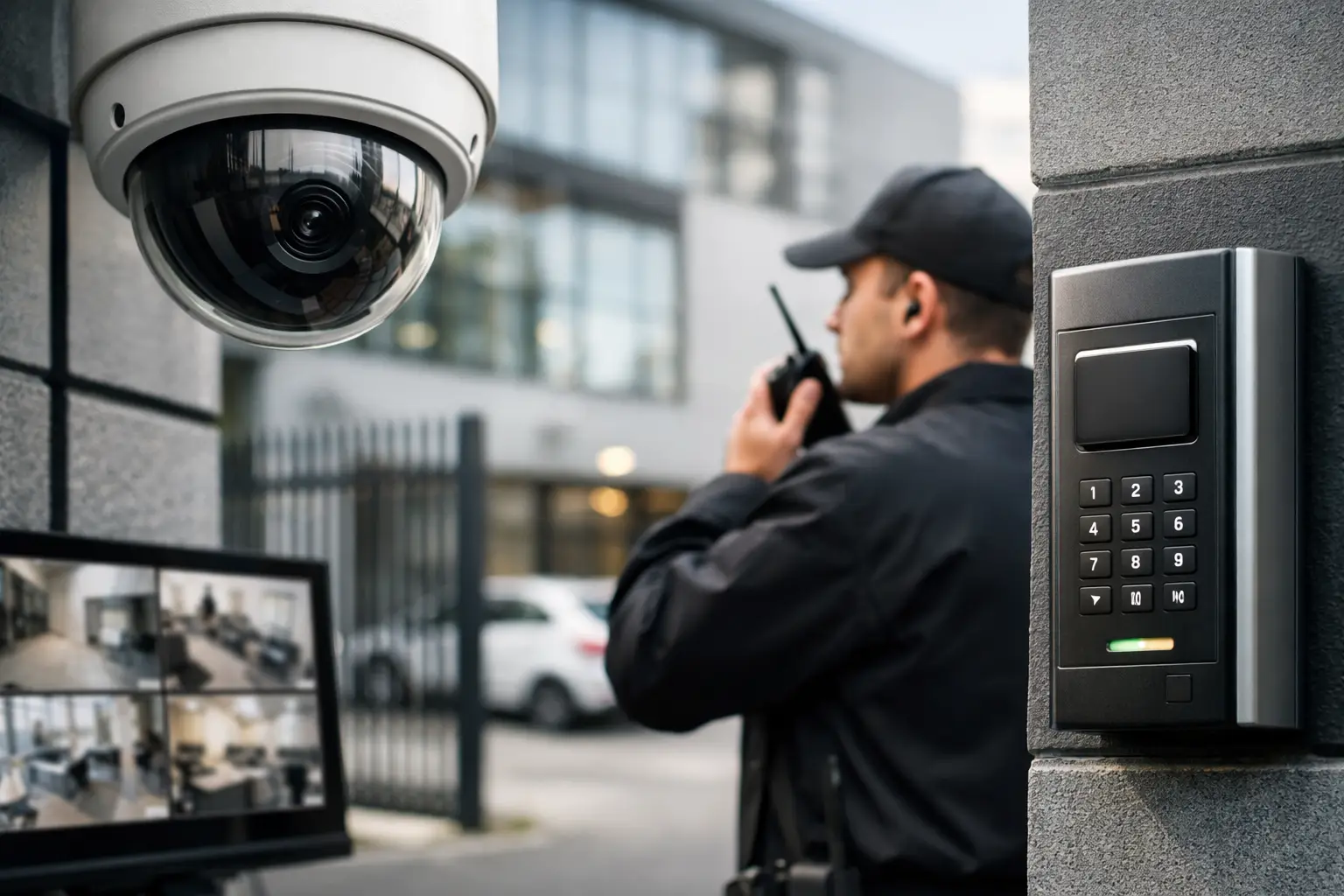
Professional monitoring matters because an app notification is not the same as an active response plan. A business owner may be in a meeting, asleep, traveling, or unable to assess an alert safely. With 24/7 monitoring, an alarm event has a pathway for action even when no employee can answer a phone.
The monitoring service should be paired with reliable communication and updated contact information. If managers change, phone numbers change, or the business changes its hours, the emergency list should be updated promptly. A system is only as prepared as the response instructions behind it.
Security Cameras That Cover Real Decision Points
Cameras are most effective when they are placed to answer meaningful questions: Who entered? Which direction did they go? What happened at the register, gate, dock, or restricted door? Was there activity around the property after closing?
A camera at every corner is not always necessary. Thoughtful placement is usually more valuable than a high camera count. Entrances and exits, cash-handling areas, inventory rooms, loading zones, parking areas, and customer-facing spaces are common priorities. Outdoor cameras need a clear view, appropriate lighting, and positioning that avoids glare or obstruction from trees and signage.
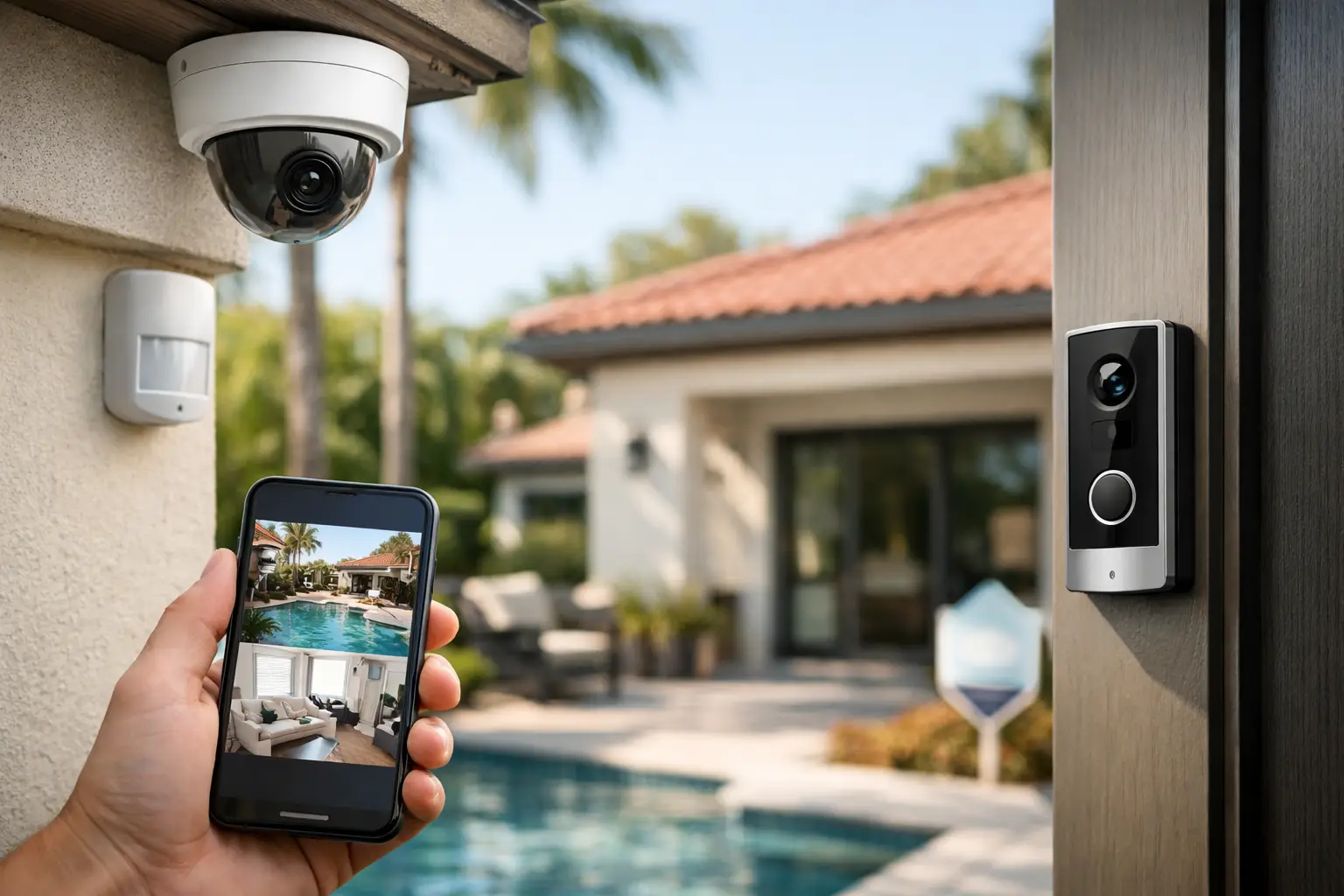
Remote viewing can be especially useful for owners who manage more than one location or cannot be at the property every day. It allows a manager to check the premises, review activity, and stay connected without relying on an employee to describe what they see. However, cameras should complement an alarm and monitoring plan, not replace one. Watching a live feed does not mean someone can respond safely to an active threat.
Access Control for Doors and Restricted Areas
Keys are easy to copy, difficult to track, and rarely collected from every former employee or contractor. Access control replaces that uncertainty with a clearer record of who can enter designated doors and when.
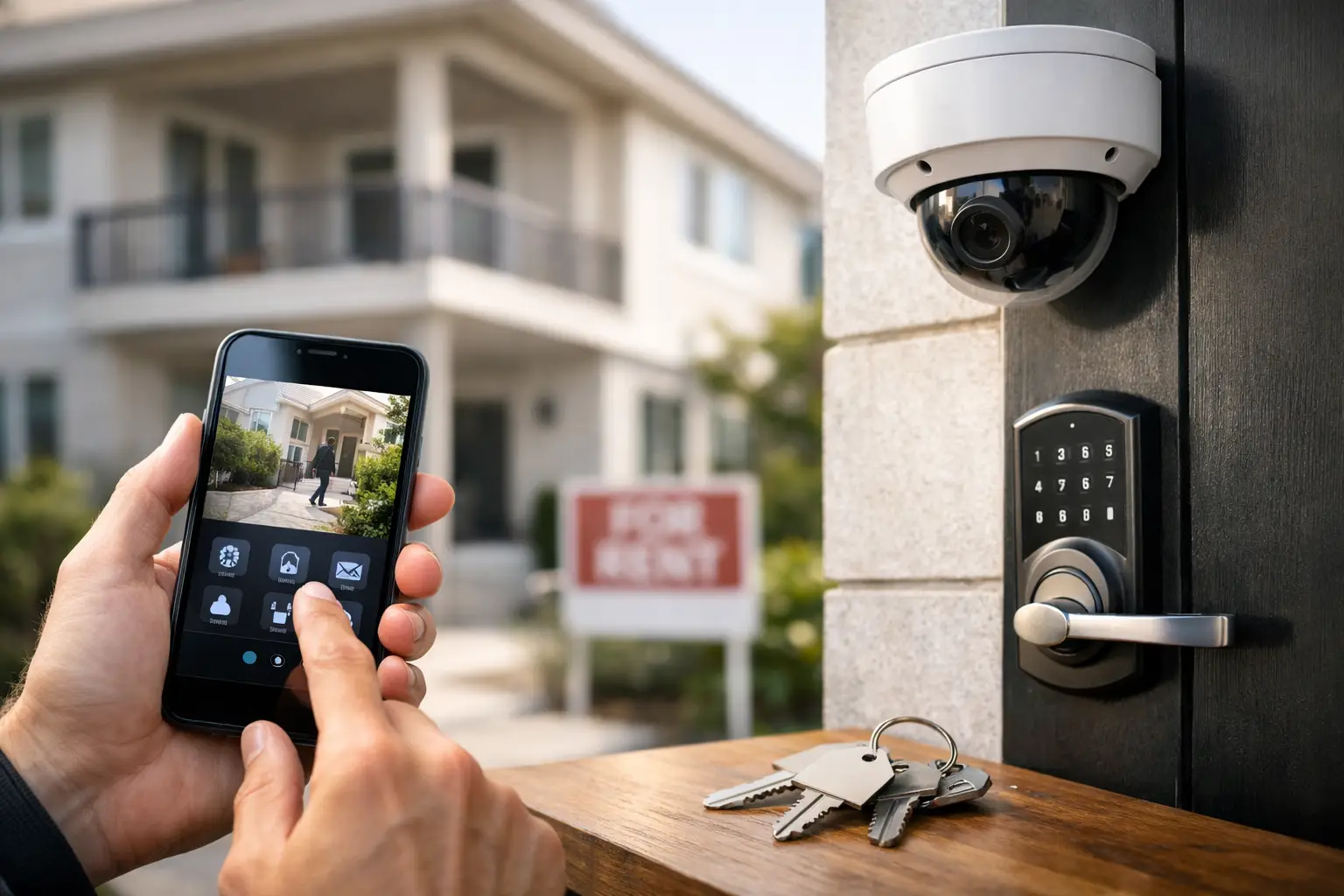
Depending on the setup, employees may use codes, cards, fobs, or mobile credentials. A manager can grant access by role, limit access to certain hours, and remove credentials when someone leaves the company. This can be useful for offices, medical practices, storage facilities, professional services firms, and businesses with sensitive inventory or records.
Access control is not always necessary for every door. In a small storefront, securing a back office or stockroom may be the priority. In a larger operation, separate permissions for managers, staff, vendors, and cleaning crews can provide better control without slowing down normal work.
Design for Daily Use, Not Just an Emergency
The strongest security plan is one your team can use correctly. That means simple arming procedures, clear expectations for opening and closing, and a process for reporting damaged devices or false alarms. Employees should know who to call if they accidentally trigger the system, lose an access credential, or notice a camera is blocked.
False alarms deserve attention because they can waste time and weaken confidence in the system. They often result from rushed closing procedures, unsecured doors, loose sensors, or a lack of employee training. A professional installation and a short staff orientation can reduce many of these issues from the start.
Automation can also make security easier to manage. Depending on the system, business owners may be able to receive alerts, check alarm status, manage user codes, control selected locks, or adjust connected devices remotely. The value is convenience with oversight, not technology for its own sake.
Why Installation and Monitoring Quality Matter
Security devices are only one part of the protection plan. Placement, programming, testing, communication reliability, and alarm response procedures determine how the system performs when something goes wrong.
A custom installation begins with the building and the business, then builds outward from there. It accounts for vulnerable openings, daily traffic, lighting conditions, internet and cellular communication options, and the people who need authority over the system. It also leaves room for growth. A business that adds a second suite, expands storage, or hires more staff should not have to start from scratch.
At Centex Security, businesses can work with an experienced team to build protection around their specific operation, with professional installation and access to a Five Diamond Certified monitoring center. The emphasis is practical: reliable security, clear control, and monitoring that is ready to act when an alarm signal comes through.
Choose Protection That Fits Your Business
Price matters, especially for small and mid-sized businesses managing tight operating costs. But the lowest equipment quote can become costly if it leaves gaps, lacks dependable monitoring, or creates a system employees avoid using. Ask what is included in installation, how monitoring works, what happens after an alarm, and whether the system can be adjusted as your business changes.
A no-cost consultation is a sensible first step because it turns broad concerns into a specific plan. You can identify the entrances that need protection, the camera views that matter, the people who need access, and the emergency events that require a faster response.
Your business has people depending on it every day. A well-designed security system gives you a better way to protect the place where they work, serve customers, and keep your operation moving – even after the lights are off.