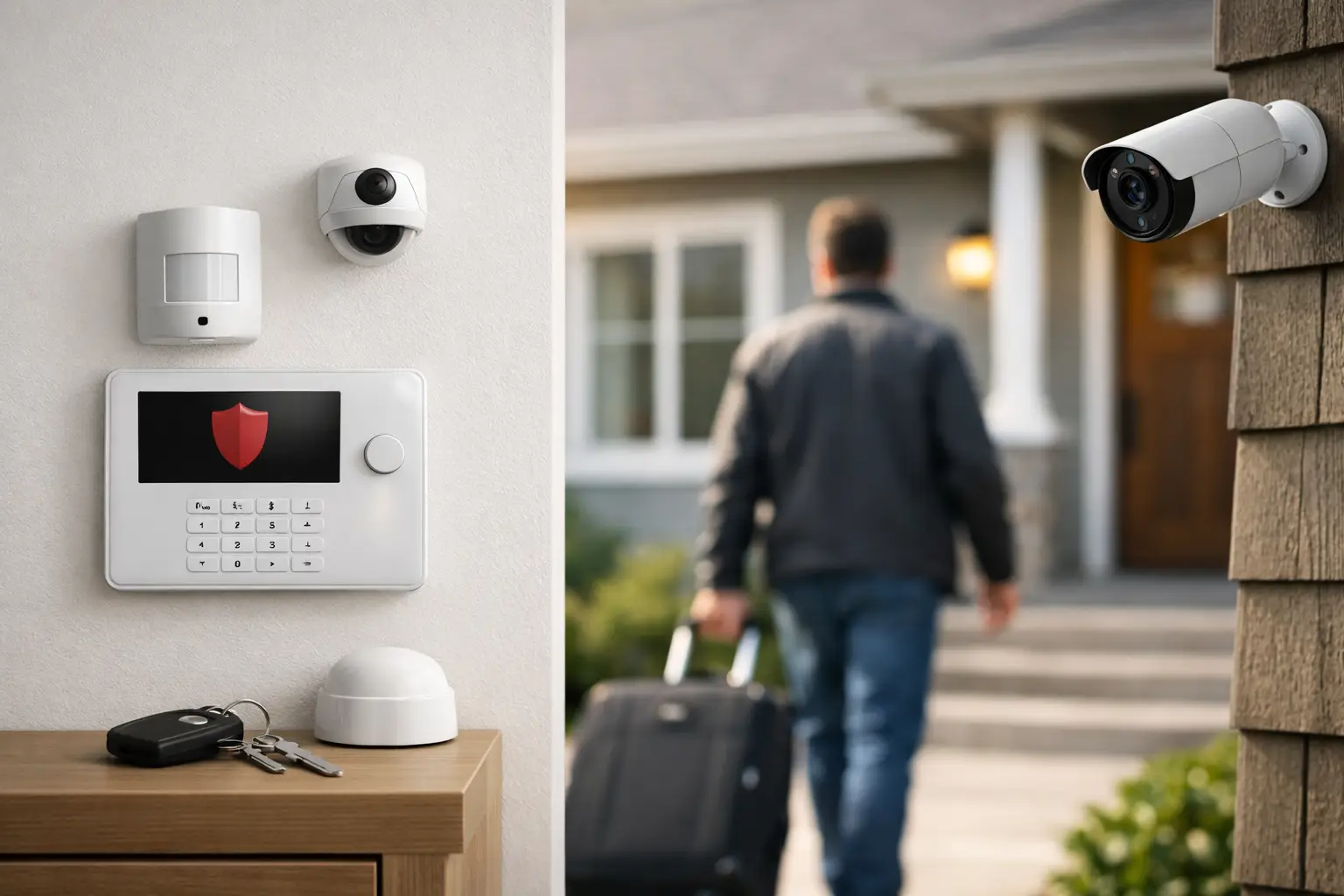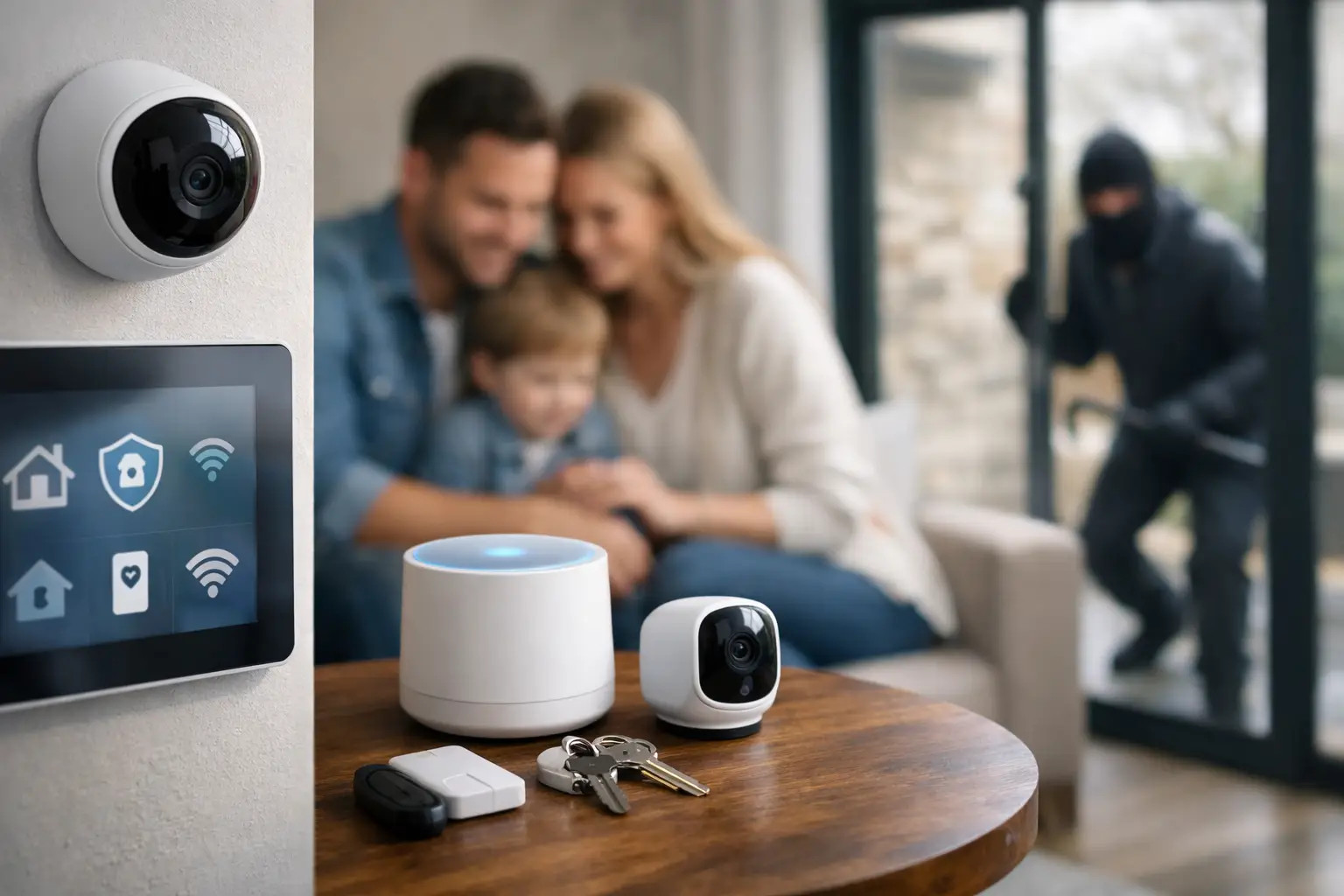

A garage door left open after the morning rush. A child arriving home before a parent. An elderly relative who needs help quickly. These are everyday moments when smart home automation can do more than add convenience. Connected to a professionally monitored security system, it gives you a clearer view of what is happening at your property and more control when it matters.
For homeowners and business owners across Florida and Georgia, the best automation is not about filling a property with gadgets. It is about building practical layers of protection around the people, places, and valuables you care about. You should be able to check in, take action remotely, and know that professional help is available if an alarm signals a real emergency.
What Smart Home Automation Can Do for Your Property
Smart home automation connects compatible security devices and everyday controls through one app or control platform. Instead of managing your alarm, cameras, locks, lights, and thermostat separately, you can monitor and control key functions from your phone.
That may mean arming your system after you have already pulled out of the driveway. It may mean receiving an alert when a door opens, checking a camera view before letting someone into your business, or locking up after a contractor leaves. The benefit is not simply remote access. It is the ability to respond without waiting until you return to the property.
A thoughtfully configured system can bring together several useful protections:
- Smart locks that let you lock or unlock approved entry points remotely
- Security cameras that provide live views, recorded activity, and motion alerts
- Smart lighting that can make an empty home or business look occupied
- Thermostat controls that support comfort and can help reduce unnecessary energy use
- Garage door controls that help confirm the door is closed when no one is home
- Monitored smoke, carbon monoxide, and medical emergency devices that can trigger a faster response when help is needed
Not every property needs every device. A family with school-age children may prioritize door alerts, cameras, and smart locks. A retail business may focus on employee access, video coverage, alarm schedules, and after-hours lighting. The right system starts with the risks you want to reduce, not a prepackaged list of equipment.
Smart Home Automation Works Best With Monitored Security
A smart device can send a notification. Professional monitoring adds another level of protection when you cannot respond yourself.
If a burglar alarm, fire alarm, carbon monoxide detector, or medical emergency device is activated, a monitoring center can assess the event and follow established response procedures. That is especially valuable when you are asleep, traveling, in a meeting, or unable to reach your phone. It also matters when an alarm occurs at a vacation property, rental, office, warehouse, or storefront after business hours.
Automation and monitoring serve different purposes, but they work well together. Automation gives you day-to-day control. Monitoring provides a trained response path for urgent situations. For many customers, that combination delivers greater peace of mind than either option alone.
Centex Security helps customers build these protections around their actual routines, with professionally configured systems and access to a Five Diamond Certified monitoring center. The goal is straightforward: make it easier to manage your property while ensuring alarm events receive attention when you need it most.
Everyday Situations Where Automation Makes a Difference
When the House Is Empty
An empty property can appear more vulnerable, particularly during vacations, workdays, and seasonal travel. Scheduled lighting can create activity inside the home, while cameras and door sensors can notify you when movement or entry is detected. If you realize the garage door was left open, you can close it remotely rather than spending the day wondering about it.
Remote control does not replace good security habits. Doors should still be locked, valuables should be secured, and alarm systems should be armed consistently. Automation makes those habits easier to verify and maintain.
When Children or Family Members Need Access
Physical keys can be lost, copied, or handed to the wrong person. A smart lock can allow approved family members to enter without leaving spare keys outside. You can also check whether a door was opened and receive alerts when someone arrives home.
For families caring for older relatives, monitored medical emergency protection can add reassurance. No technology can eliminate every risk, but a clearly placed emergency device and a monitored response plan can be an important safeguard for someone who may need help after a fall or sudden health concern.
When You Run a Business
Small and mid-sized businesses face a different set of challenges. Managers may need to open early, close late, coordinate staff access, and keep an eye on inventory or equipment across multiple rooms. Smart security controls can help an owner confirm the alarm is armed, view cameras after a motion alert, and manage access without making an unnecessary trip to the location.
For a business, convenience must never come at the cost of accountability. Limit access to the people who need it, remove former employee access promptly, and use strong passwords for every account connected to your security system. A professional consultation can help identify where cameras, sensors, locks, and controls will provide the most useful coverage.
Choosing the Right Smart Security Features
The most effective system is easy enough to use every day. If controls are confusing or alerts arrive constantly, people may ignore them. That is why configuration matters as much as the equipment itself.
Start with entry points. Exterior doors, garage access, ground-floor windows, and rear entrances are often the highest priorities. Then consider the areas where a camera can provide meaningful visibility, such as driveways, front doors, parking areas, stockrooms, and main business entrances. Cameras should be positioned to support identification and awareness, not simply to cover the largest possible area.
Next, consider the alerts you truly need. A front-door notification may be helpful during the afternoon when children arrive home. The same alert may be unnecessary overnight if it creates too much noise. Smart home automation should fit your schedule, not become another source of distraction.
Finally, think beyond burglary. Smoke and carbon monoxide can threaten lives even when there is no visible break-in. Fire, CO, and medical emergency monitoring can be especially important for homes with children, older adults, or anyone who may be unable to call for help quickly. A complete security conversation should account for all of these risks.
Common Mistakes to Avoid
One common mistake is buying individual devices without a plan for how they will work together. A low-cost camera may be useful, but it may not provide the placement, recording options, mobile controls, or professional support your property needs. Compatibility can also become a problem when devices come from multiple systems.
Another mistake is relying on notifications as if they are emergency response. A phone alert is helpful only if you see it, understand it, and can take action. If you are on a flight, working in a restricted area, or asleep, the alert alone may not be enough. Professional monitoring helps close that gap for covered alarm events.
Privacy also deserves attention. Use unique passwords, enable available account security features, and review who has app access. For businesses, create clear rules for camera use and employee access. Smart security should increase control, not create uncertainty about who can see or operate your system.
A System Built Around How You Live and Work
The right smart security setup looks different for every property. A condominium may need a video doorbell, a smart lock, and monitored intrusion protection. A larger home may benefit from interior and exterior cameras, garage control, environmental monitoring, and automation schedules. A business may require multiple camera zones, controlled access, alarm management, and coverage for fire and carbon monoxide risks.
Professional installation helps ensure that equipment is placed where it can do its job, while customized programming keeps controls simple. It also gives you an opportunity to ask practical questions before a real emergency happens: Who receives notifications? What happens after an alarm? How do you arm the system from your phone? What should employees or family members do if an alarm goes off?
Smart home automation should make protection feel more manageable, not more complicated. A no-cost security consultation can help you identify the controls and monitored protections that fit your property, your budget, and the people who depend on you.